

Do you want the best security solution for your PC?
It is essential to protect your system from various malware attacks. Malwarebytes is undoubtedly a useful product. Still, there are better alternatives available in the market.
However, it could be challenging to find the best ones from the plethora of applications.
Therefore, we have done the heavy lifting of testing multiple security solutions for you.
Here, we provide you the 8 best alternatives to Malwarebytes according to user reviews.
So, without any raving, let’s dive straight into it.
1. MalwareFox Anti-Malware

If you are looking for the best malware removal tool at a minimal cost, then use MalwareFox.
MalwareFox uses a heuristic approach to detect and eliminate threats in real-time. It can protect you from a variety of malware programs like ransomware, viruses, spyware, and many more.
Moreover, it is also capable of preventing phishing attacks, rootkit damage repairs, and browser hijackers. Also, the in-built adware protection module restricts third-party forced ads from your device. Effective removal of malware and minimum impact on system performance make It the best Malwarebytes Alternative.
You can quickly get rid of malicious programs using MalwareFox. It is available for Windows PC and Android devices.
2. HitmanPro
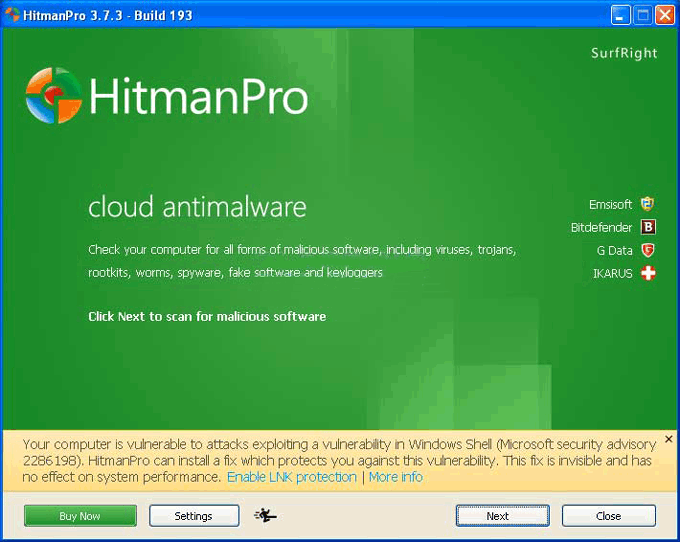
Another lightweight anti-malware program is Hitman Pro.
It uses minimal space on your system and takes no time for installation. You can get rid of malware programs like ransomware, rootkits, trojans, worms, and many more. Besides, it shows considerable performance and scans your system in record time. Also, it won’t impact your system performance at a noticeable degree.
HitmanPro is available in two variants for download. You can use it on all frequently used Windows versions. It is one of the best alternatives to Malwarebytes for Windows.
3. Emsisoft Emergency Kit
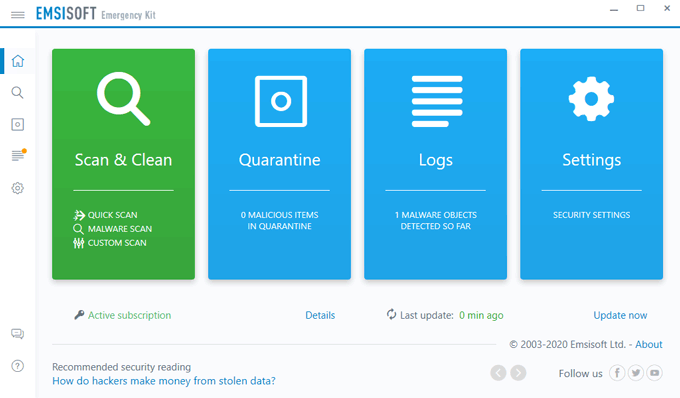
If you want to remove malware from the system without installing a program, use Emsisoft Emergency Kit.
It is a portable anti-malware solution for your Windows 7, 8, and 10 PC. That means you don’t have to install the program to scan a device. You can quickly put it in a USB and get rid of dangerous malware. It can remove ransomware, viruses, worms, trojans, spyware, and many other malicious programs.
Emsisoft Emergency Kit is the best Malwarebytes alternative if you want to use it on multiple systems.
4. SUPERAntiSpyware
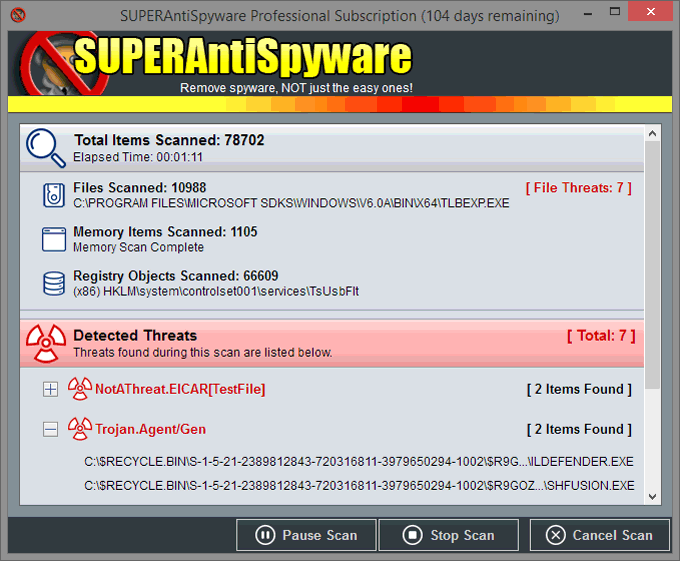
SUPERAntiSpyware is one of the top-rated anti-malware detection and removal tools. It uses advanced detection algorithms to remove malware from your PC.
It can protect you from malware like trojans, worms, hijackers, PUPs, ransomware, and more. Besides, it detects the threat in real-time to avoid any damage to files on your system. SUPERAntiSpyware looks for suspicious behavior and can match to existing malware samples. Thus, it is capable of detecting zero-day threats as well.
You can use SUPERAntiSpyware on your Windows PC. It provides a free version and a premium download.
5. IObit Malware Fighter
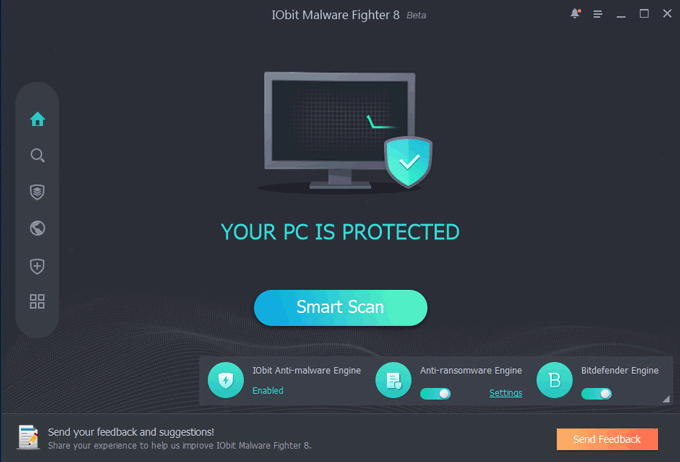
IObit Malware Fighter Free is another excellent malware removal tool for your computer.
It can quickly take care of dangerous threats like ransomware, worms, viruses, rootkits, and other malware programs. Besides, it comes with a PC optimizer to increase your system performance. You also get a password manager and a protected browser in the package. You can use the browser to stay away from phishing attacks and dangerous sites adding adware in your system.
IObit Malware Fighter Free is an excellent Malwarebytes alternative. You can use it on your Windows 7,8, and 10 PC.
6. AdwCleaner
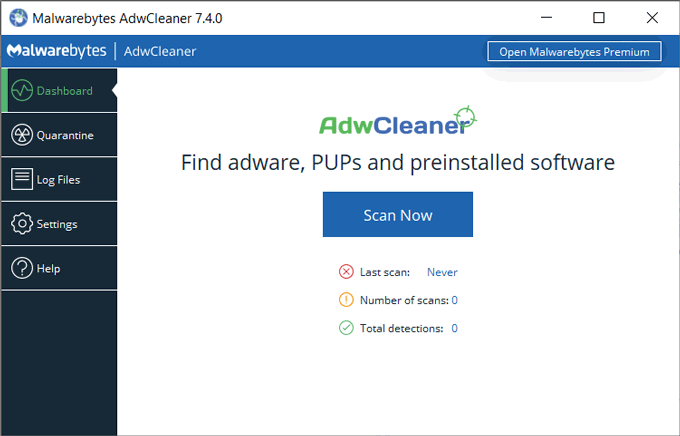
If you want to protect your system from adware, then use AdwCleaner.
AdwCleaner is another product by Malwarebytes that excels in removing distracting ads from your browser. The best thing about AdwCleaner is you can use it as a separate tool for your browser. It can protect you from multiple browsers-based cyber threats like a phishing attack, browser hijacker, PUAs, to name a few.
You can use AdwCleaner at no extra cost. Besides, it can also inform you about programs consuming more processing power. Thus, it helps you to browse the internet hassle-free and increase system performance.
7. Norton 360
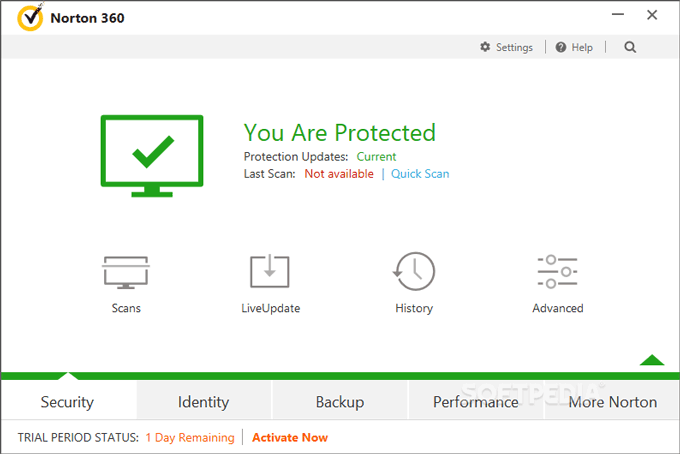
Norton 360 is one of the most popular antivirus programs out there. It uses a high-end detection algorithm for malware samples. Thus, it proves to be one of the best Malwarebytes alternatives.
It carries a massive database of malware samples and matches the programs on your system to find any malicious one. This approach helps Norton 360 to detect and remove malware in record time. Besides, it can protect your PC from several widespread viruses.
Norton provides a series of solutions to protect your PC. It consists of a free version and many paid ones too. Moreover, it includes a password manager to keep your data secure. You can use this application on your PC and smartphones as well.
8. GridinSoft Anti-Malware

GridinSoft is one of the most efficient anti-malware solutions. It has helped a massive user base to keep their PC clean for 12 years.
GridinSoft proves to be a valuable competitor for Malwarebytes anti-malware program. It can protect your PC from common threats like viruses, worms, ransomware, trojans, and many more. Besides, the company updates the malware sample database daily. Therefore, it can protect you from new emerging threats as well.
Final Verdict
Plenty of anti-malware applications are available in the market. However, quite a few are better alternatives to Malwarebytes. In terms of overall performance and elite protection. We recommend you to use MalwareFox Anti-malware program. It can remove all existing and emerging threats due to its unique malware detection algorithm.
Frequently Asked Questions
Malwarebytes is a reliable anti-malware product. It can remove the most widespread and emerging threats. However, there are some fake products that use the same name as Malwarebytes. Therefore, we suggest you get the program from their official site only.
The free version of Malwarebytes effectively eliminates the threat from your computer. However, it lacks the real-time protection. You can use the free version of the program if you are okay with manually scanning your system when desired. Still, it won’t protect you from ransomware and hijacker attacks.
A robust anti-malware program should be able to remove known and unknown malware effectively. MalwareFox is the best malware removal application in the market. It detects suspicious behavior of a file to detect new threats. Besides, developers update the malware sample database daily to ensure elite protection.